Capturez le travail.Construisez votre mémoire opérationnelle.
Une seule vidéo devient une SOP professionnelle, une checklist dynamique, un Knowledge Hub organisé et des ressources de formation — générés en quelques minutes, publiés seulement après votre revue.
Vidéo de process
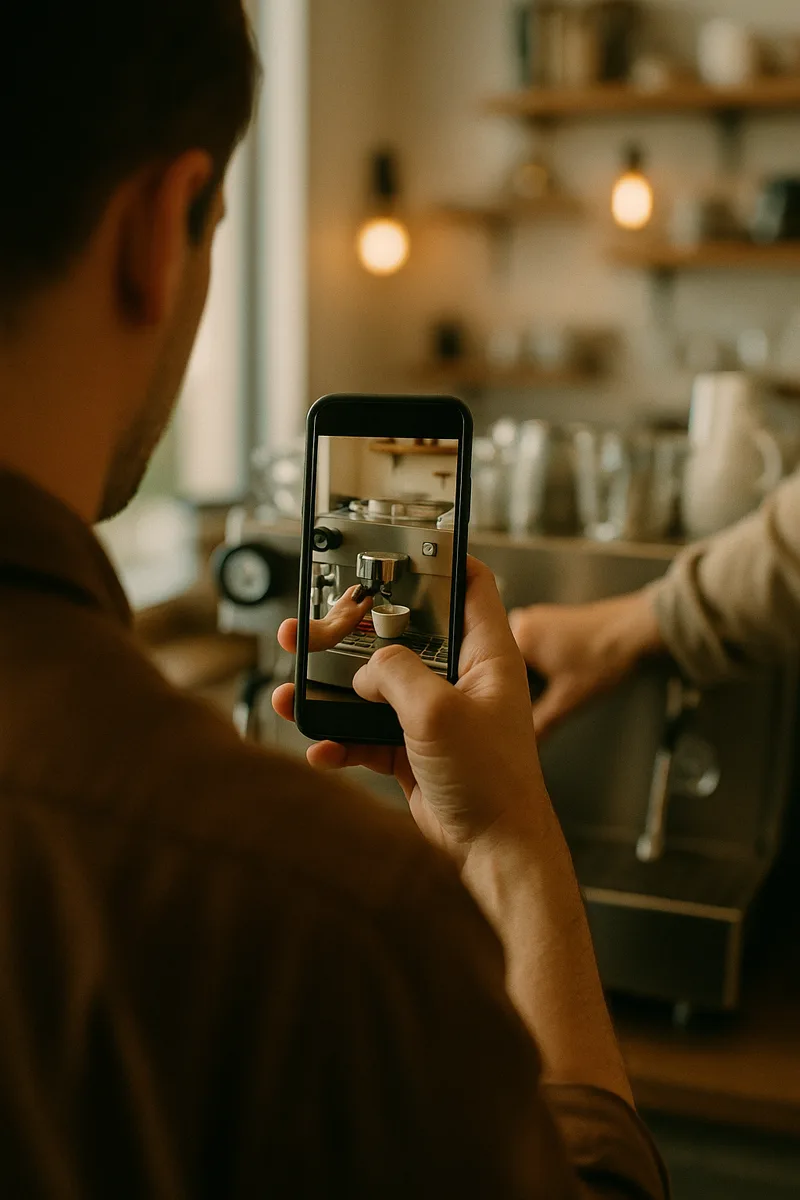
0:00 / 2:35
ManualForge
L'IA analyse votre process
PDF de SOP
Un guide pas-à-pas professionnel, à votre image.
Réinitialisation quotidienne de la machine à espresso
1Videz le bac d'égouttage
PDFChecklist dynamique
Une checklist de poste concrète, issue de votre vidéo.
- Videz le bac d'égouttage
- Rincez le porte-filtre
- Essuyez la buse vapeur
- Vérifiez le niveau d'eau
3/4Knowledge Hub
Une bibliothèque organisée où tout se retrouve, et qui grandit avec vous.
- Préparation des boissons
- Équipement
- Procédures d'ouverture
- Standards de nettoyage
Rechercher des SOP…Standard de mousse de laitPack de formation
Notes de formation et photos d'étapes pour toute l'équipe.
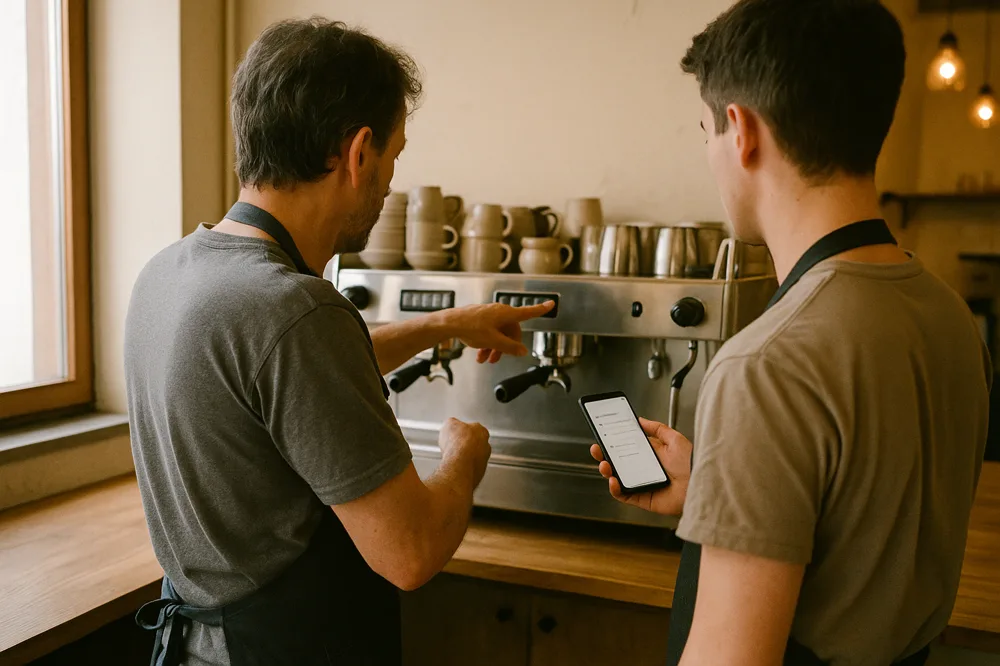 Notes de formation
QR Hub
Un scan ouvre la dernière version approuvée, à chaque poste.
Poste 3 · Réinit. espresso
28
SOP
Publiées
56
Checklists
Actives
124
Formations terminées
Cette semaine
92%
Équipe à jour
Cette semaine
SOP récentes
Tout voir- Réinitialisation quotidienne de la machine à espressoModifiée il y a 2 hPubliée
- Procédures d'ouvertureModifiée il y a 1 jPubliée
- Standard de mousse de laitModifiée il y a 2 jBrouillon
Suivi des formations
- Terminé 82%
- En cours 12%
- Non démarré 6%
Activité de l'équipe
- SOP consultéeil y a 2 min
- Formation terminéeil y a 15 min
- Checklist envoyéeil y a 1 h
- SOP mise à jouril y a 3 h
Toujours à jour
Une modification met tout à jour.
Pensé pour le terrain
Conçu pour de vraies équipes, pas juste des documents.
Évolue avec vous
De l'établissement unique aux opérations qui grandissent.
Vos données restent privées
Vous êtes propriétaire de votre contenu.
D'une vidéo à un système opérationnel
Trois étapes. La vidéo explique — vous gardez la main sur ce qui est publié.
- 1
Capturez le travail
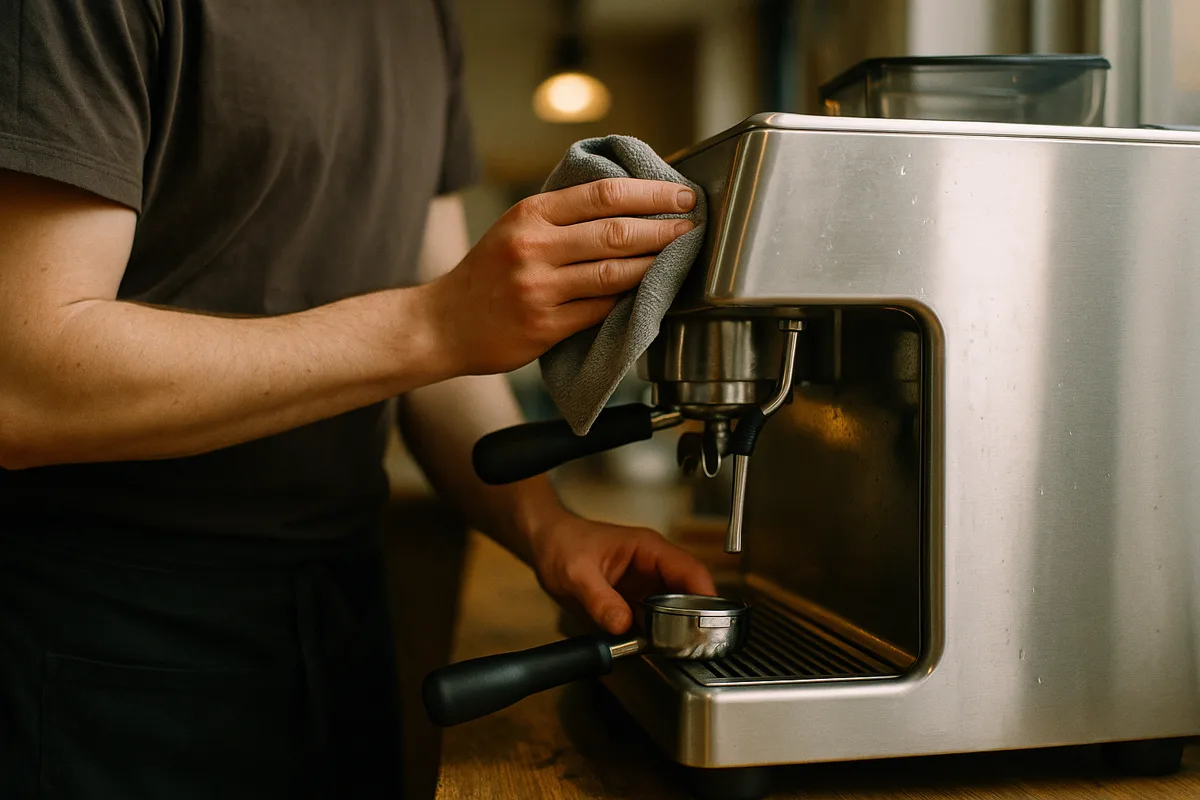
Filmez ou importez une vidéo de process depuis votre téléphone ou votre caméra.
- 2
ManualForge rédige votre système
Réinitialisation quotidienne de la machine à espresso
1Videz le bac d'égouttage
PDF- Videz le bac d'égouttage
- Rincez le porte-filtre
- Essuyez la buse vapeur
- Vérifiez le niveau d'eau
3/4Rédigé en quelques minutesL'IA rédige la SOP, la checklist, l'entrée du Knowledge Hub et les notes de formation — à partir de ce que la vidéo montre réellement, jamais rien d'inventé.
- 3
Relisez, publiez et partagez
- Préparation des boissons
- Équipement
- Procédures d'ouverture
- Standards de nettoyage
Rechercher des SOP…Standard de mousse de laitPubliéeApprouvé par un humain avant que quiconque s'y fie.
Ajouté au Knowledge HubVotre équipe relit et affine. Publiez seulement après validation d'une personne responsable — puis partagez en PDF à votre image ou via un QR Hub permanent.
Une seule capture. Tout un système opérationnel.
Pas juste un document — l'ensemble connecté d'outils que votre équipe utilise vraiment sur le terrain.
PDF de SOP
Réinitialisation quotidienne de la machine à espresso
Videz le bac d'égouttage
Un guide pas-à-pas structuré et à votre image, avec photos — prêt pour revue humaine.
Checklist dynamique
- Videz le bac d'égouttage
- Rincez le porte-filtre
- Essuyez la buse vapeur
- Vérifiez le niveau d'eau
Une checklist de poste concrète que votre équipe peut exécuter et cocher, issue de la même capture.
Knowledge Hub
- Préparation des boissons
- Équipement
- Procédures d'ouverture
- Standards de nettoyage
Toutes vos SOP, checklists et QR Hubs organisés par catégorie et faciles à retrouver dans un seul espace.
Pack de formation
Notes de formation et fiches photos d'étapes pour former vite les nouveaux.
QR Hub
Un seul scan permanent au poste ouvre la SOP à jour, la checklist et les notes de formation.
Historique des versions
Chaque version publiée est conservée. Le QR Hub pointe toujours vers la dernière version approuvée.
Une seule source de vérité, de la capture à l'équipe
Votre vidéo est la preuve. La SOP, la checklist, l'entrée du Knowledge Hub, la formation et le QR Hub y renvoient tous — un process, une source, aucune copie éparpillée qui se périme.
Publiez une nouvelle version une fois. Le QR Hub de chaque poste pointe automatiquement vers la dernière SOP approuvée — votre équipe n'est jamais à un scan d'une procédure périmée.
Vous n'obtenez pas un PDF. Vous construisez une base de connaissances.
Chaque capture enrichit une bibliothèque organisée où tout se retrouve, que toute votre équipe peut parcourir — la mémoire opérationnelle de votre entreprise, un process à la fois.
Organisé par catégorie
Regroupez vos SOP dans les catégories que votre activité utilise vraiment — boissons, ouverture, équipement, nettoyage.
Cherchable en quelques secondes
Trouvez n'importe quelle procédure par nom ou catégorie. Fini de fouiller dans les dossiers ou les fils de discussion.
Procédures, checklists et notes réunies
Chaque SOP garde sa checklist, ses photos d'étapes et ses notes de formation au même endroit.
Accessible à chaque poste
Un QR Hub permanent relie le terrain à la version approuvée à jour — sans réimpression.
- Préparation des boissons6
- Réinitialisation quotidienne de la machine à espressoPubliée
- Standard de mousse de laitBrouillon
- Procédures d'ouverture4
- Ouvrir l'établissementPubliée
- Standards de nettoyage5
- Nettoyage approfondi de fin de journéePubliée
Les Packs SOP créent le référentiel. Team Hub fait en sorte que votre équipe l'utilise vraiment.
Constituez votre bibliothèque de SOP une seule fois avec un pack. Puis pilotez-la au quotidien : attribuez des SOP à vos employés, suivez qui a consulté quoi, enregistrez les validations de formation par un vrai manager, confirmez qui a vu la dernière version, et archivez ceux qui partent — sans perdre l'historique.
Packs SOP — construisez votre bibliothèque de SOP à partir de vidéos (achat unique)
Pack SOP 5
$49 achat unique
5 SOP en brouillon générées à partir de vidéos, à votre image, avec QR Hubs.
Pack d'entrée — testez le workflow sur vos premiers process critiques.
- 5 SOP à votre image
- 5 checklists dynamiques
- Notes de formation et photos d'étapes
- Un QR Hub par SOP
- Organisé dans votre Knowledge Hub
Pack SOP 15
$99 achat unique
15 SOP en brouillon générées à partir de vidéos, à votre image, avec QR Hubs.
L'offre de lancement — couvrez un poste complet ou une petite cuisine.
- 15 SOP à votre image
- 15 checklists dynamiques
- Notes de formation et photos d'étapes
- Un QR Hub par SOP
- Organisé dans votre Knowledge Hub
Pack SOP 40
$249 achat unique
40 SOP en brouillon générées à partir de vidéos, à votre image, avec QR Hubs.
La bibliothèque de SOP complète d'un petit restaurant.
- 40 SOP à votre image
- 40 checklists dynamiques
- Notes de formation et photos d'étapes
- Un QR Hub par SOP
- Organisé dans votre Knowledge Hub
Pack SOP 100
$499 achat unique
100 SOP en brouillon générées à partir de vidéos, à votre image, avec QR Hubs.
La bibliothèque opérationnelle complète pour une équipe plus grande.
- 100 SOP à votre image
- 100 checklists dynamiques
- Notes de formation et photos d'étapes
- Un QR Hub par SOP
- Organisé dans votre Knowledge Hub
Team Hub — pilotez au quotidien avec votre équipe (mensuel)
Pilotez votre bibliothèque de SOP avec des comptes pour vos employés, le suivi des formations, l'accès au QR Hub, les accusés de version et une visibilité manager. Ajoutez Team Hub à l'achat d'un pack et vos 30 premiers jours sont offerts — la date du premier prélèvement est affichée avant tout paiement, et vous pouvez résilier en un clic depuis votre portail de facturation avant cette date (ou simplement décocher l'option au moment du paiement).
Team Hub Lite
Accès aux SOP, QR Hub et suivi de consultation de base.
$29 / mois / établissement
5 utilisateurs actifs inclus
- · Consultation des SOP via le QR Hub
- · Suivi des consultations par SOP
- · Historique de consultation de base
Team Hub Training
Attribuez des SOP, suivez les formations et visualisez le tout sur un tableau de bord manager.
$79 / mois / établissement
15 utilisateurs actifs inclus
- · Tout ce qui est inclus dans Lite
- · Attribution des SOP aux employés
- · Statut de formation avec validations du manager
- · Tableau de bord manager
Team Hub Ops
Rôles, accusés de version et suivi opérationnel avancé.
$149 / mois / établissement
40 utilisateurs actifs inclus
- · Tout ce qui est inclus dans Training
- · Accusés de version par employé
- · Rôles d'équipe (propriétaire, manager, formateur, employé)
- · Journal d'audit (bientôt disponible)
Les utilisateurs actifs sont les employés que vous suivez actuellement — les employés archivés ne comptent jamais, la rotation du personnel ne gonfle donc pas votre facture. Besoin de plus ? Chaque utilisateur actif supplémentaire : $5 / active user / month. Team Hub enregistre les consultations de SOP et les statuts de formation validés par un manager ; il ne certifie aucune formation et ne garantit aucune conformité réglementaire.
Inclut Team Hub Training gratuit pendant 30 jours, puis $79/mois/établissement — la date du premier prélèvement est affichée avant tout paiement, la résiliation se fait en un clic depuis votre portail de facturation, et une seule case décochée retire entièrement l'option.
Questions fréquentes
- Est-ce généré par IA ?
- Oui. ManualForge rédige le brouillon de votre SOP, de la checklist et des notes de formation à partir de votre vidéo — puis vous relisez avant que quiconque s'y fie. Rien n'est marqué approuvé tant qu'une personne responsable de votre équipe n'a pas validé.
- Puis-je personnaliser l'image de marque de la SOP ?
- Oui. Ajoutez votre logo, vos couleurs et votre slogan dans le Brand Kit, et chaque PDF généré et chaque page QR Hub les reprennent.
- Comment fonctionne le QR Hub ?
- Chaque SOP reçoit un lien QR Hub permanent — le QR code pointe toujours vers cette page, jamais vers un PDF ou un fichier vidéo temporaire, elle reste donc à jour même après une mise à jour de la SOP.
- N'importe qui peut-il trouver mes SOP en ligne ?
- Non. Vos SOP vivent dans votre propre espace de travail, et la page QR Hub d'une SOP ne s'ouvre que pour les membres connectés de votre équipe — elle n'est ni répertoriée ni indexée nulle part. Les seules pages accessibles sans compte sont les liens de partage que vous activez explicitement, et vous pouvez les révoquer à tout moment.
Capturez le travail. Construisez votre mémoire opérationnelle.
Transformez une vidéo en connaissance que votre équipe utilise chaque jour — rédigée en quelques minutes, publiée seulement après votre revue.
Créez votre première SOP